
Remove Image Background
100% Automatically in 5 Seconds
or drop a file,
(Ctrl+V / Cmd+V) · JPG, PNG, WebP
Try one of these:
By uploading an image you agree to our Terms of Service and Privacy Policy.
Drag image to pan inside crop frame
Estimated size: –
Stunning quality
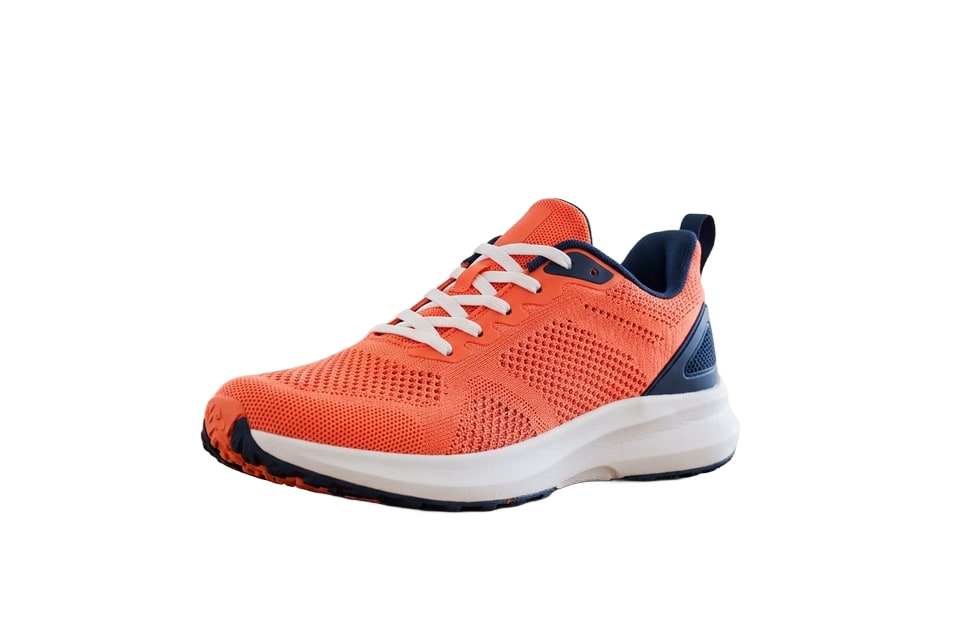
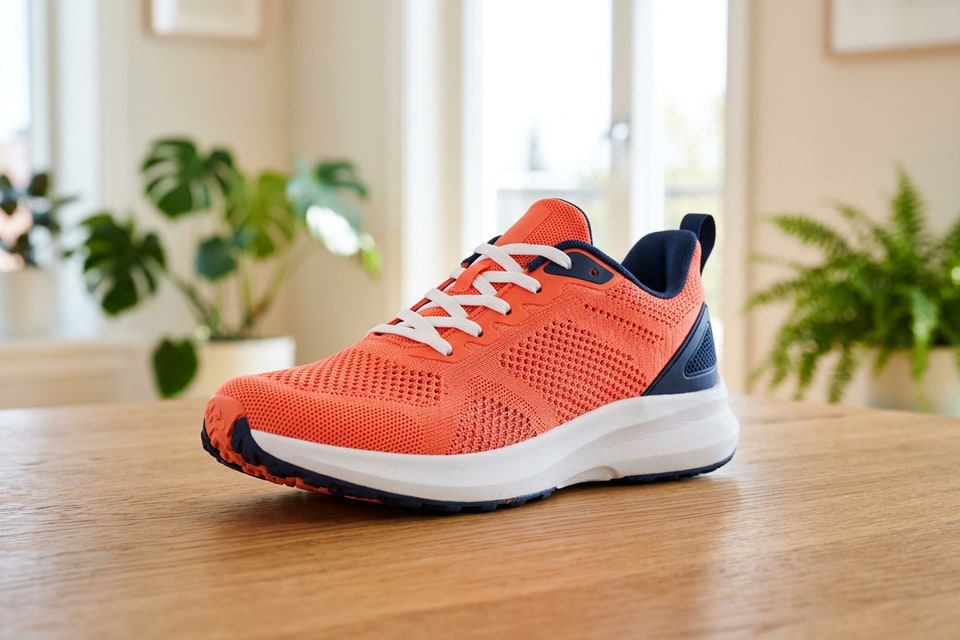
Clean edge detection on hair, fur, wheels, and studio products. Drag the slider to compare the original photo and transparent cutout.
All-in-one AI background remover & editor
remover.design makes it effortless to cut out any subject and isolate crisp transparent PNGs in seconds with accurate edge separation.
Switch cleanly to pure white, jet black, custom brand hex colors, or keep full transparency for e-commerce listings, slide decks, and social graphics.

One tool, endless uses
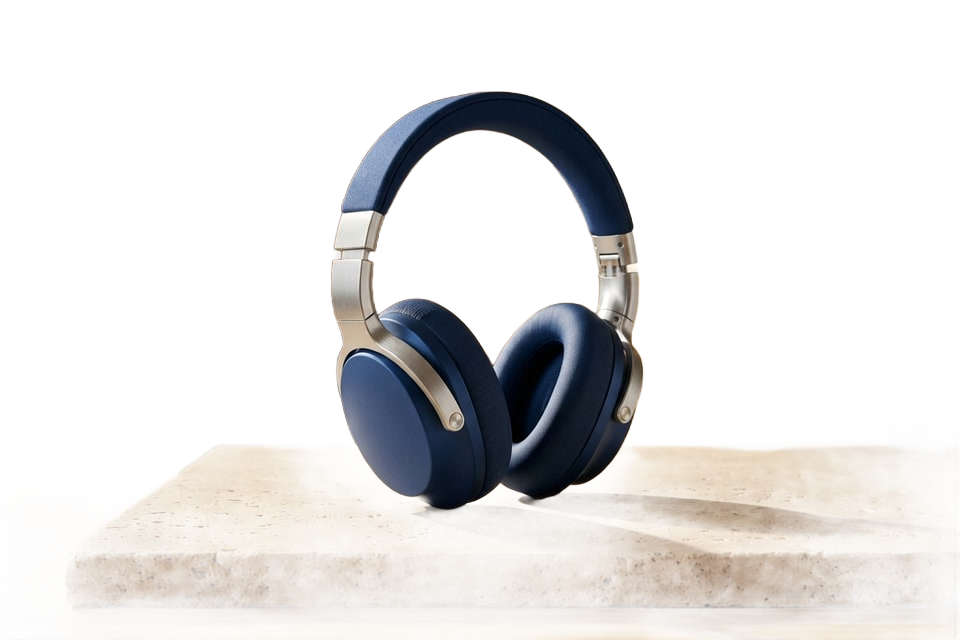
Edit backgrounds to crisp white for e-commerce shots, car listings, or professional headshots, or export a transparent PNG for logos, thumbnails, and slide decks.
Swap transparent cutouts to white, black, or any custom brand hex color in one click.
Create neat ID photos, LinkedIn avatars, and clean family cutouts in seconds.
Speed up portrait masking and test backdrop swaps cleanly before final retouching.
Turn campaign shots into layered banners, thumbnails, and crisp 4:5 social posts.
Precision foreground extraction built to preserve hair strands, fur, and clean object edges.
Produce clean white-background product listings ready for Shopify, Etsy, and Amazon.
Extract logos, presenters, and graphic objects cleanly for editorial layouts and slides.
Remove distracting parking lot backgrounds to keep dealership galleries uniform.
Crop to 1:1, 4:5, or 16:9, resize up to 8000px, and compress to PNG, JPG, or WebP.
Cut out, crop, and compress — all in one workspace
Why juggle separate apps for background removal, aspect-ratio cropping, and WebP compression? Once you load an image in remover.design, switch seamlessly between tools in a single workflow.
Crop to 1:1, 4:5, 3:4, 16:9, or 9:16 with pan and zoom, then export exact pixel dimensions with live file-size preview.
Just picture it
See how one photograph transforms from raw capture to transparent cutout, studio backdrop, and campaign-ready artwork.

Built for speed, precision, and everyday creators
A streamlined alternative to traditional background removal tools — crafted for creators, online stores, and fast production teams.
Instant Automatic Cutouts
Upload, drop, or paste any photo and isolate the subject automatically in seconds without tedious lasso paths or manual masking.
No Sign-Up Friction
Jump straight into editing portraits, product shots, and vehicle photos with instant PNG downloads and zero watermarks.
Ready for Any Platform
Switch seamlessly to Crop or Resize & Convert to prepare PNG, JPG, or lightweight WebP files tailored for web shops and social feeds.
Try removing a background right now
Drop a photo from your computer, paste from your clipboard, or open our curated sample gallery to test the studio live.
Guides & tips
See all guides →How to make clean white backgrounds for product listings
Prep shoes, accessories, and apparel with centered 1:1 framing and crisp white fills.
Photo TipsGetting the cleanest edges around hair, fur, and reflections
Simple lighting and contrast tips that help AI separate foregrounds accurately.
Format GuidePNG vs JPG vs WebP: Which format should you export?
Know when to keep transparency in PNG and when to compress lightweight WebP assets.
Frequently asked questions
How fast does remover.design remove image backgrounds?
Upload, drop, or paste an image and remover.design isolates the foreground automatically within seconds, letting you download a transparent PNG or apply a custom color.
Looking for a fast background remover or remover.bg style workflow?
remover.design is a modern background remover studio built for speed and precision — combining instant automatic cutouts, solid backdrop swaps, aspect-ratio cropping, and format compression in one place.
Which image formats are supported?
Upload JPG, PNG, or WebP photos. Download transparent PNG cutouts or export resized JPG and WebP files directly from the Resize & Convert tab.