Three essential image tools in one fast workspace
Remove backgrounds automatically, crop to exact social ratios, and resize or convert formats without switching apps.
AI Background Remover
Drop, browse, or paste an image from your clipboard and isolate the foreground automatically. Hold the Hold to compare button at any moment to verify edge accuracy against the original photograph.
Export standard transparent PNGs (up to 1000px longest side) right away, or unlock HD resolution up to 4000px.
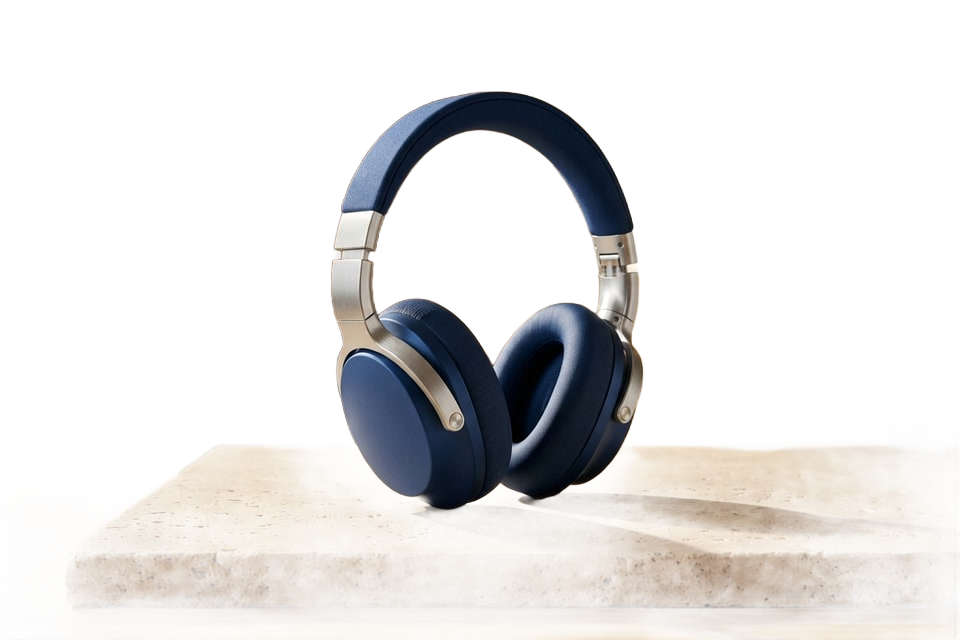
Instant Background Color Changer
Switch effortlessly between full transparency, pure white (#FFFFFF), jet black (#000000), curated studio presets, or any custom hex value via the color picker.
Perfect when you need consistent studio-backdrop listings or uniform team profile photos.
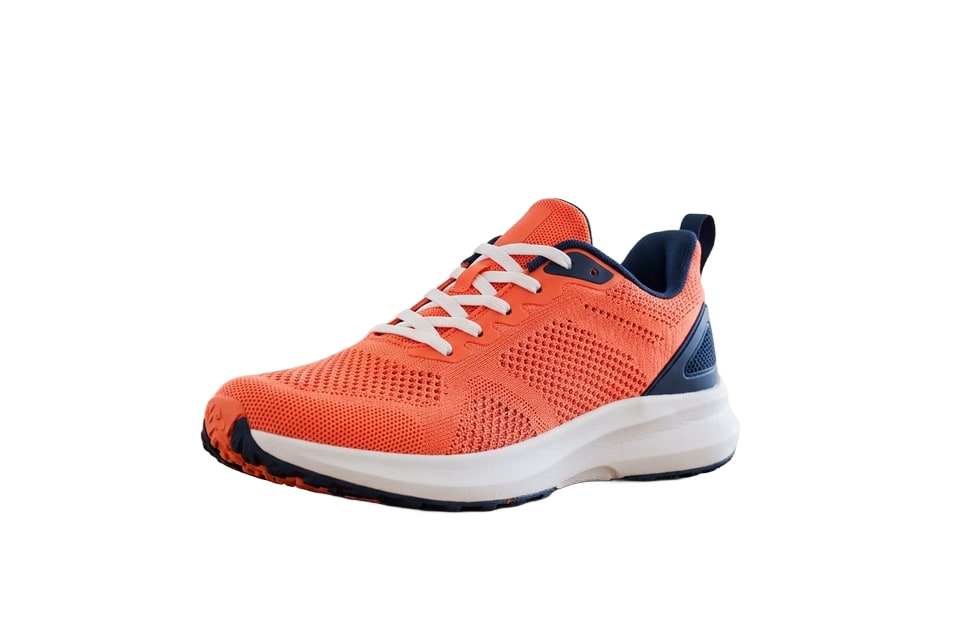
Aspect-Ratio Crop & Zoom Studio
Frame photos accurately for every feed and storefront without switching tools. Choose Original, 1:1, 4:5, 3:4, 16:9, or 9:16, zoom up to 4×, and drag directly on the canvas to position your subject.
Supported Crop Presets
- 1:1 Square — Avatars, marketplace grids & Instagram
- 4:5 & 3:4 Portrait — Social feeds & editorial cards
- 16:9 Widescreen — YouTube thumbnails & slide decks
- 9:16 Vertical — Stories, Reels & mobile posters
Resize, Compress & Convert
Lock aspect ratio automatically while entering custom pixel dimensions up to 8000×8000 px. Convert to PNG, JPG (with crisp white backdrop fill), or WebP, tune quality between 30% and 100%, and see the exact output file size before downloading.
Open Resize & Convert →Smart Edge AI Segmentation
Trained to isolate complex subjects cleanly — from wispy curly hair and fluffy pet fur to reflective vehicle bodywork and studio footwear — delivering smooth alpha edges without manual brushing.
Explore cutout samples →